
The short answer: use fiber when distance or backbone capacity matters
Fiber optic cabling is often the right fit when a commercial site needs to connect distant parts of a building, detached buildings, yards, network rooms, camera locations, access control areas, or Wi-Fi zones. Copper cabling is still useful for many device drops, but distance and backbone demands can make fiber the better foundation.
For California commercial properties, fiber is especially relevant in warehouses, manufacturing facilities, agricultural processing sites, cold storage, fenced yards, multi-building properties, and owner-occupied campuses. These sites often have long runs, metal structures, equipment-heavy environments, and systems that cannot afford unreliable connectivity.
Long distances beyond practical copper runs
Building-to-building network links
High camera count or high-bandwidth backbone needs
Expansion plans that will add more connected systems
Fiber is not only for internet service
Many buyers think of fiber as something an internet provider brings to the building. That is only one use. Inside a commercial facility, fiber can connect network rooms, remote switches, camera networks, office spaces, production areas, gates, access control equipment, and detached buildings.
This internal fiber is part of the facility’s low-voltage infrastructure. It gives the property a stronger backbone for systems that depend on bandwidth and uptime. When cameras, access control, Wi-Fi, office networks, and operational devices all depend on connectivity, the backbone deserves the same level of planning as the hardware attached to it.
Internal backbones
Remote network equipment
Camera and access control networks
Future-ready commercial infrastructure
Distance is the clearest sign a site may need fiber
Measure the routed cable length, including rises, bends and patching, rather than the straight-line distance across a floor plan. A conventional horizontal copper Ethernet channel is planned around a 100-meter limit, usually a 90-meter permanent link plus patch cords. Equipment, cable category, temperature and installation conditions still matter; 100 meters isn't a blanket guarantee for every copper application.
Copper cabling has practical distance limits. A facility with long hallways, large production floors, exterior yards, detached offices, gate equipment, or separate buildings may quickly run into those limits. Extending copper in awkward ways can create unreliable performance and difficult service later.
Fiber can solve distance problems cleanly when it is planned with the right pathway, termination, equipment, and protection. The plan should identify where fiber starts, where it lands, what equipment it will connect, how it will be tested, and how future technicians will understand the link.
Detached buildings and remote offices
Gate or yard equipment far from the rack
Large warehouses and manufacturing floors
Separate network rooms or IDF locations
Fiber to remote yard corners is also what makes perimeter security coverage practical on large properties.
Compare the link you need before choosing the cable
A facility can use both copper and fiber. The backbone connects switches or network rooms; the device drop connects a camera, access point or workstation to nearby equipment. Match each link to its distance, required speed and power needs instead of replacing every cable with fiber.
Fiber reach depends on the complete link. Two cables that look alike can support different speeds and distances when their fiber type or transceivers differ. Ask the designer to identify the proposed cable, optics and supported reach together.
| Facility condition | Option to assess | What still needs checking |
|---|---|---|
| Local device drops within the designed copper channel limit | Category copper cabling, including PoE where supported | Cable category, endpoint speed, power budget, route and test requirements |
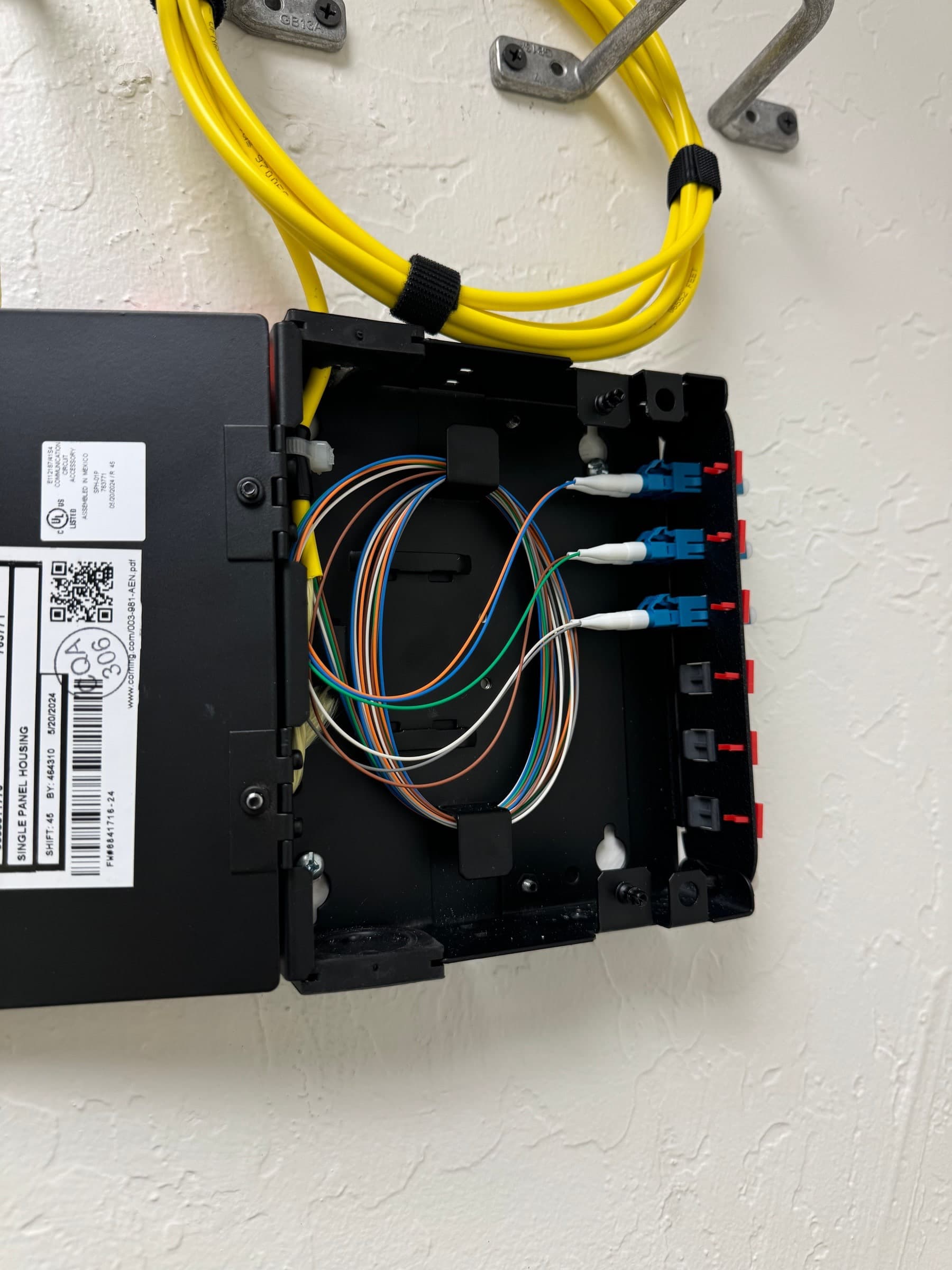
| A long warehouse route, remote yard or detached building | A fiber backbone to remote network equipment | Actual route length, compatible optics, cable rating and power at the remote end |
| A short 10 Gb/s link between network rooms | Multimode or single-mode fiber, matched to the transceivers | For example, Cisco 10GBASE-SR supports up to 300 m on OM3 or 400 m on OM4; those figures aren't universal fiber limits |
| Longer building links or an expansion plan | Single-mode fiber with suitable optics | Required speed, transceiver reach, connector type, loss budget and spare capacity |
Planning example: a warehouse office and a remote yard
Consider a warehouse with office workstations near the main rack and a yard camera location about 180 meters away along the available cable route. The office drops may suit copper after the speed, route and PoE requirements are checked. The yard connection deserves a fiber assessment because the route exceeds the conventional copper channel length.
One possible design carries fiber to a protected remote switch, then uses shorter copper PoE drops to nearby cameras. That switch still needs suitable local power, an enclosure appropriate for the environment and compatible optics at both ends. If there's no approved power source or usable pathway, those gaps belong in the proposal before camera locations are finalized.
For a building-to-building link, also review pathway ownership, outdoor or underground cable requirements, entry protection and the planned interruption window. A fiber recommendation doesn't settle those construction and operating questions on its own.
Fiber carries data; remote equipment still needs power
Standard optical fiber doesn't deliver Power over Ethernet. A remote switch, camera, access controller or media converter needs a power plan of its own. Confirm who supplies power, where backup power is needed and whether the remote enclosure and equipment fit the site's heat, dust or moisture conditions.
Changing the backbone also won't fix every slow network. If the measured cable links are within specification, review switch capacity, uplink use, camera traffic and Wi-Fi coverage with the network team before deciding that new fiber is the answer.
What to agree on before testing and handoff
A link light is useful, but it isn't a complete installation acceptance record. Agree on the required test methods and acceptance limits in the written scope. Optical loss testing checks the installed link against its loss budget; OTDR testing may also be specified to locate and document events along the route. The methods serve different purposes, and the scope should say which results you'll receive.
Request these records as part of the proposal so your facility and IT teams know what's included at handoff.
Identify the link endpoints, routed length, fiber type, strand count, connectors and compatible optics.
Record who provides pathways, remote power, enclosures and access, plus any excluded construction work.
Inspect and clean connectors; verify continuity and polarity before acceptance testing.
Specify optical loss testing, wavelengths, acceptance limits and any required OTDR records.
Request labeled endpoints, route and strand documentation, and test records tied to the actual installed links.
Confirm the equipment configuration, agreed cutover checks, administrator handoff and treatment of spare strands.
Fiber helps cameras, Wi-Fi, and access control scale
A few cameras or access points may not strain the network. A larger facility can be different. Multiple high-resolution cameras, live video monitoring, remote access, Wi-Fi coverage, controllers, and business network traffic can all create pressure on switches and uplinks.
Fiber gives the facility more room for growth when remote switches or secondary network locations need dependable uplinks. This is important when the buyer expects to add cameras, expand wireless coverage, bring more office users online, or connect new controlled spaces in the future.
Camera network backbones
Wi-Fi access point expansion
Access control controller connectivity
Remote switch uplinks
Camera counts and resolutions that justify fiber often pair with cloud video surveillance, which leans on that same bandwidth.
Single-mode, multimode, and pathway decisions should be made intentionally
Fiber design includes choices around cable type, strand count, connectors, termination points, pathway protection, rack hardware, labeling, and testing. Those choices should be made around the facility’s actual distance, equipment, future expansion, and maintenance expectations.
A buyer does not need to become a fiber engineer, but they should expect the contractor to explain the recommendation in plain language. The scope should make clear what is being installed, where it will be terminated, what it supports, and how it will be documented.
Cable type selected for distance and equipment
Strand count that allows future growth
Protected pathways and serviceable terminations
Labels and test documentation
How to know whether fiber belongs in the first phase
Fiber should be considered early when the facility has long distances, future expansion plans, remote buildings, camera-heavy coverage, Wi-Fi growth, or access control across multiple areas. Waiting until after devices are chosen can force the project into compromises.
The right sequence is site assessment, system goals, pathway plan, backbone decision, device layout, then hardware selection. When the backbone is designed first, the facility can make better decisions about cameras, switches, access points, controllers, and future service.
Assess the site before buying hardware
Design backbone routes before final device placement
Plan rack and network equipment locations
Document links for future service