
The short answer: structured cabling is the system, network cabling is one part of it
If you're planning an installation in Fresno, Clovis, or the Central Valley, our commercial structured cabling service covers site assessment, Cat6/Cat6A drops, racks, testing, and handoff. This guide explains how the terms and scope fit together.
People often use structured cabling and network cabling as if they mean the same thing. In a commercial building, that shortcut can create expensive confusion. Network cabling may describe a cable from a network switch to a device. Structured cabling describes the larger organized system that supports phones, computers, cameras, access control, Wi-Fi, production equipment, monitoring equipment, and future growth.
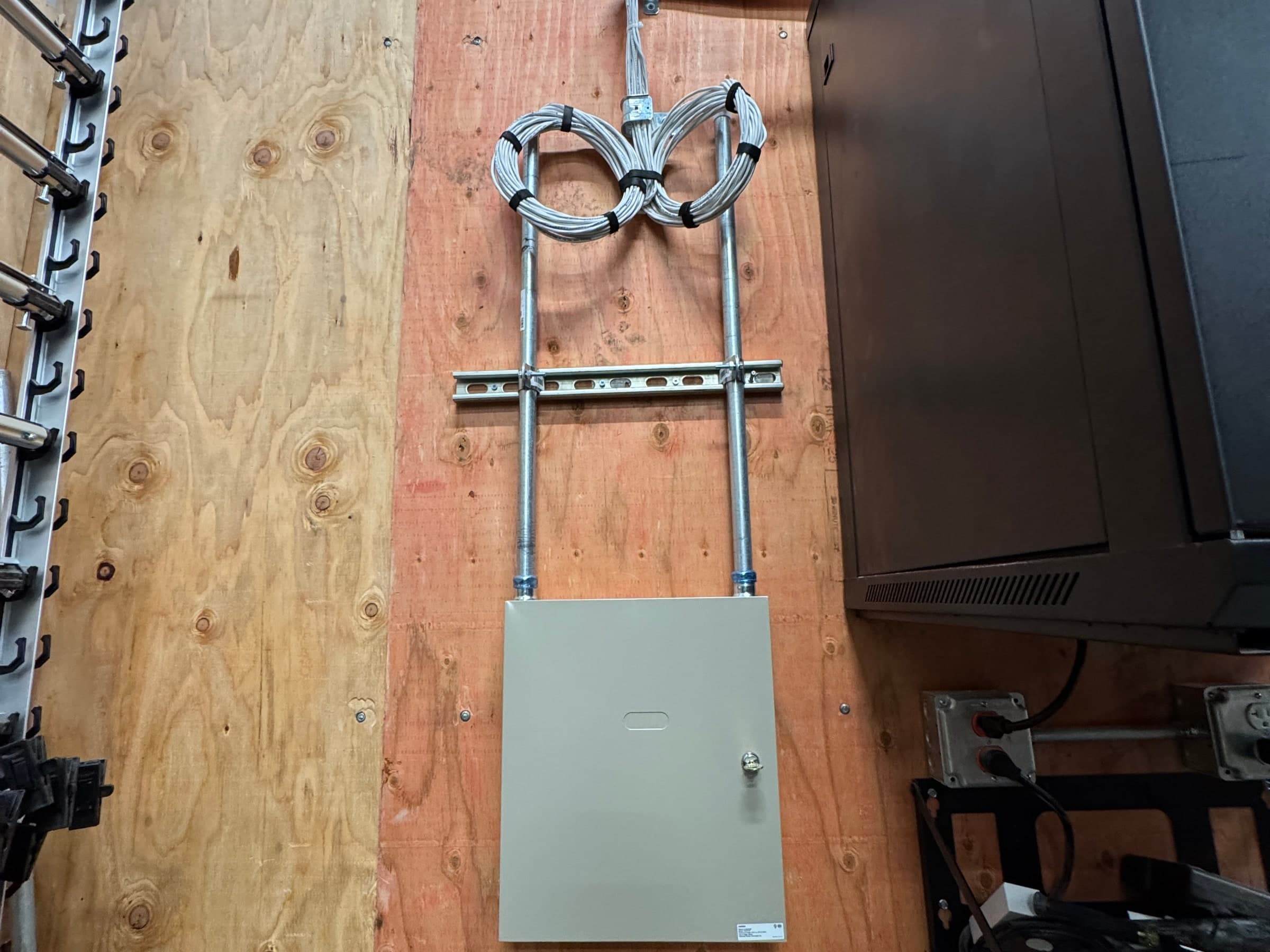
A structured cabling project should consider pathways, cable type, cable count, rack location, patch panels, device locations, labeling format, testing, documentation, equipment clearances, and future service. Without that structure, the facility may still have working cables, but it will not have an infrastructure foundation that is easy to maintain.
Network drops are only one component
Racks and patch panels organize the system
Testing and labeling protect future service
Documentation turns cabling into infrastructure
Why commercial buildings outgrow improvised cabling
A small office can sometimes get by with simple cable pulls. Commercial facilities in Fresno, Clovis, and the Central Valley usually cannot. Warehouses add cameras. Packing houses add production networks. Cold storage sites add monitoring and access points. Manufacturing facilities add equipment, Wi-Fi, and controls. Each new device depends on the same physical infrastructure.
When cabling is added one project at a time without a system, the rack becomes hard to read, cable paths become crowded, abandoned cables remain in place, and troubleshooting slows down. The facility may not notice the problem until something fails, a tenant improvement starts, or a new security system needs clean network paths.
Growth creates rack and pathway pressure
Unlabeled cable increases troubleshooting time
Abandoned or tangled cabling creates service friction
Future camera and access projects depend on today’s cabling decisions
What a structured cabling scope should include
A commercial structured cabling scope should describe where the cable starts, where it ends, how it is routed, what it supports, how it will be labeled, and how it will be tested. It should also identify any pathway work, rack cleanup, patching, terminations, faceplates, j-hooks, ladder rack, conduit coordination, or fiber backbone needs.
The goal is not only to make devices work on day one. The goal is to leave the facility with infrastructure that another qualified technician can understand later. That matters for service calls, IT vendor handoff, camera additions, access control expansion, tenant improvements, and ownership transitions.
Cable routes and pathway approach
Rack, patch panel, and termination plan
Labeling standard and test results
As-built documentation and handoff details
The same cabling decisions also carry audio visual and sound masking systems, which ride on this infrastructure.
Copper, fiber, and Wi-Fi all need to be planned together
Structured cabling does not mean every run is copper. Copper cabling is often right for standard drops, workstations, cameras, access points, phones, and nearby equipment. Fiber may be the better answer for distance, building-to-building links, high-bandwidth backbones, electrically noisy environments, or future expansion. Wi-Fi still depends on clean wired infrastructure for access points.
The practical question is not whether copper, fiber, or Wi-Fi is best in general. The practical question is which physical layer serves the facility’s layout, operating needs, growth plan, and budget. That decision should happen before the facility starts installing cameras, controllers, or access points in places that the current network cannot support.
Copper for common device drops
Fiber for distance and backbone links
Wi-Fi access points still need cabling
Network rooms and switch locations affect every device
Testing and labeling are not optional on commercial sites
A cable that works today can still be a bad commercial installation if it is not tested, labeled, and documented. Commercial buyers should expect clarity: which port feeds which device, which rack a cable lands in, which patch panel position is used, and whether the run passed the appropriate testing for the intended use.
Testing helps catch bad terminations, damaged cable, distance issues, and installation mistakes before the facility relies on the system. Labeling helps the next service call move faster. Documentation helps internal teams, IT vendors, low-voltage contractors, and ownership understand what is actually installed.
Device and patch-panel labels
Test results where appropriate
Rack photos and handoff notes
Clear naming for cameras, access points, and network drops
How California commercial buyers should evaluate a cabling contractor
Commercial buyers should verify that the contractor understands commercial low-voltage work, facility constraints, and the systems that will depend on the cabling. A contractor should ask about cameras, access control, Wi-Fi, offices, production areas, future equipment, tenant improvements, and who will maintain the network after installation.
The right partner should make the site easier to operate after the project is complete. That means clean pathways, serviceable racks, clear labels, realistic capacity planning, and facility-grade planning. For facilities with active operations, the contractor should also understand how to work around production, staff movement, dock schedules, and equipment-heavy spaces.
Commercial low-voltage license and experience
Facility-aware routing and coordination
Documentation-first handoff
Ability to support cameras, access control, fiber, and Wi-Fi